
How to add Arabic and Hebrew captions that read right to left
Right-to-left captions break in familiar ways: a full stop jumps to the wrong end, an English name swaps places, or Arabic letters come apart. Here is why each happens and how to fix it.
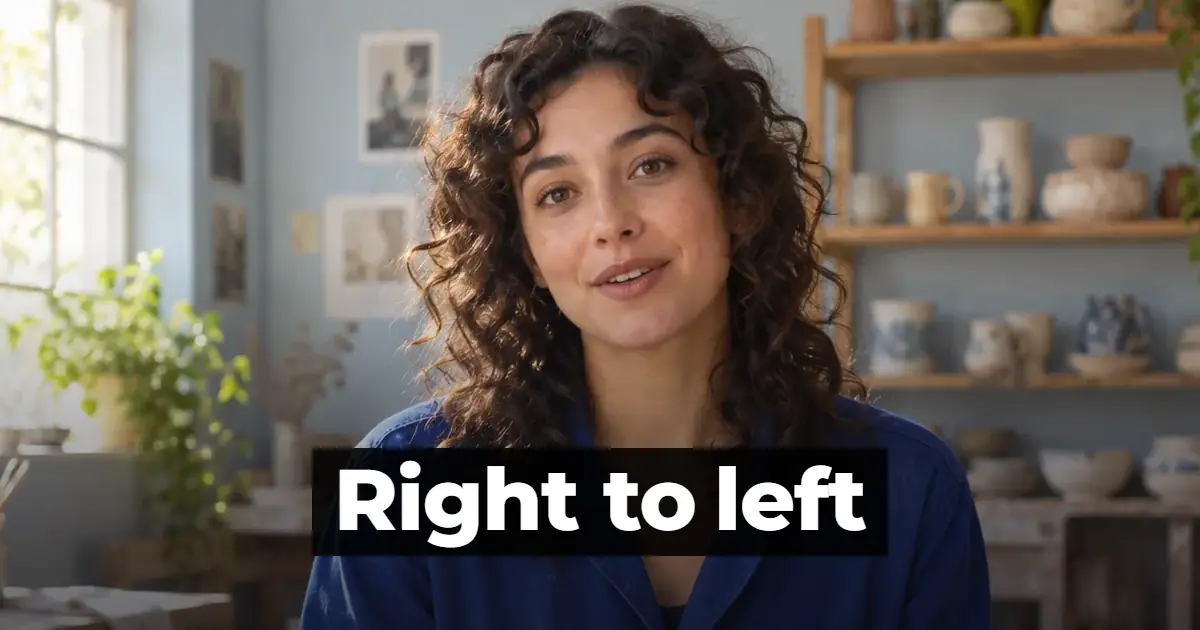
Write the captions in logical order, the order in which they are read, and let software that applies the Unicode bidirectional algorithm lay each line out from right to left. In Vid Hub, Hebrew and Arabic captions are drawn right to left, mixed lines keep each part in its own reading order, and Arabic letters stay joined. For an existing SRT file with punctuation or English words at the wrong end, use the free RTL fixer or add right-to-left marks by hand.
Add Arabic or Hebrew captions to a video
The direct route is to let a caption editor write the captions from the speech and lay them out right to left for you. In Vid Hub, which runs in the browser on a computer or a phone, it takes five steps.
- Open vid-hub.com and add the video file. You do not need an account to start.
- Choose Arabic or Hebrew as the spoken language, or pick Auto Detect, and the editor writes the captions from the speech.
- Read each caption against the audio, and fix words and timing in the caption list (Transcript on a phone) or, on a computer, on the timeline.
- In the Styles panel, choose one of the 28 looks, then change its colours or outline if you want.
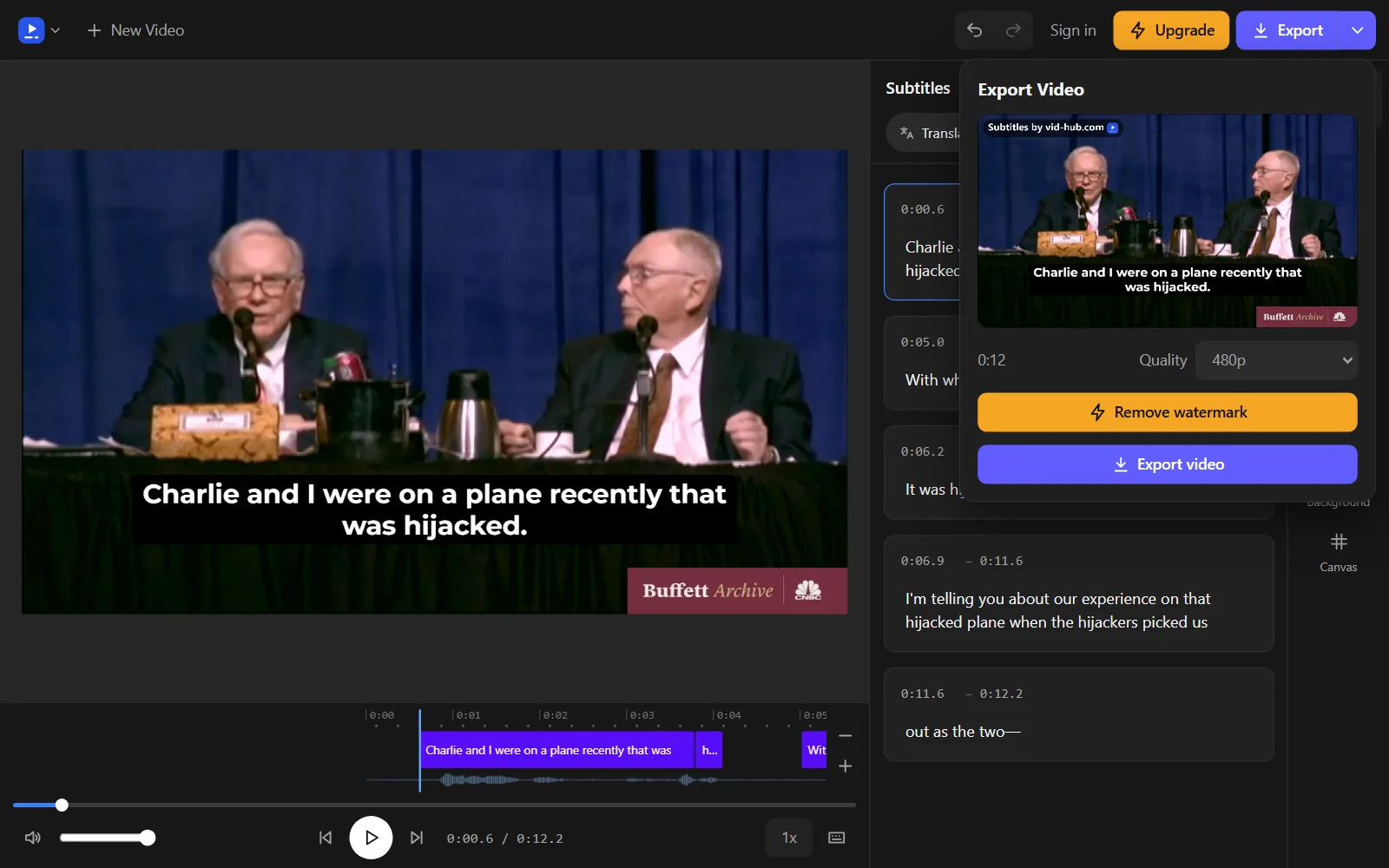
- Press Export to make an MP4 with the captions burned in.
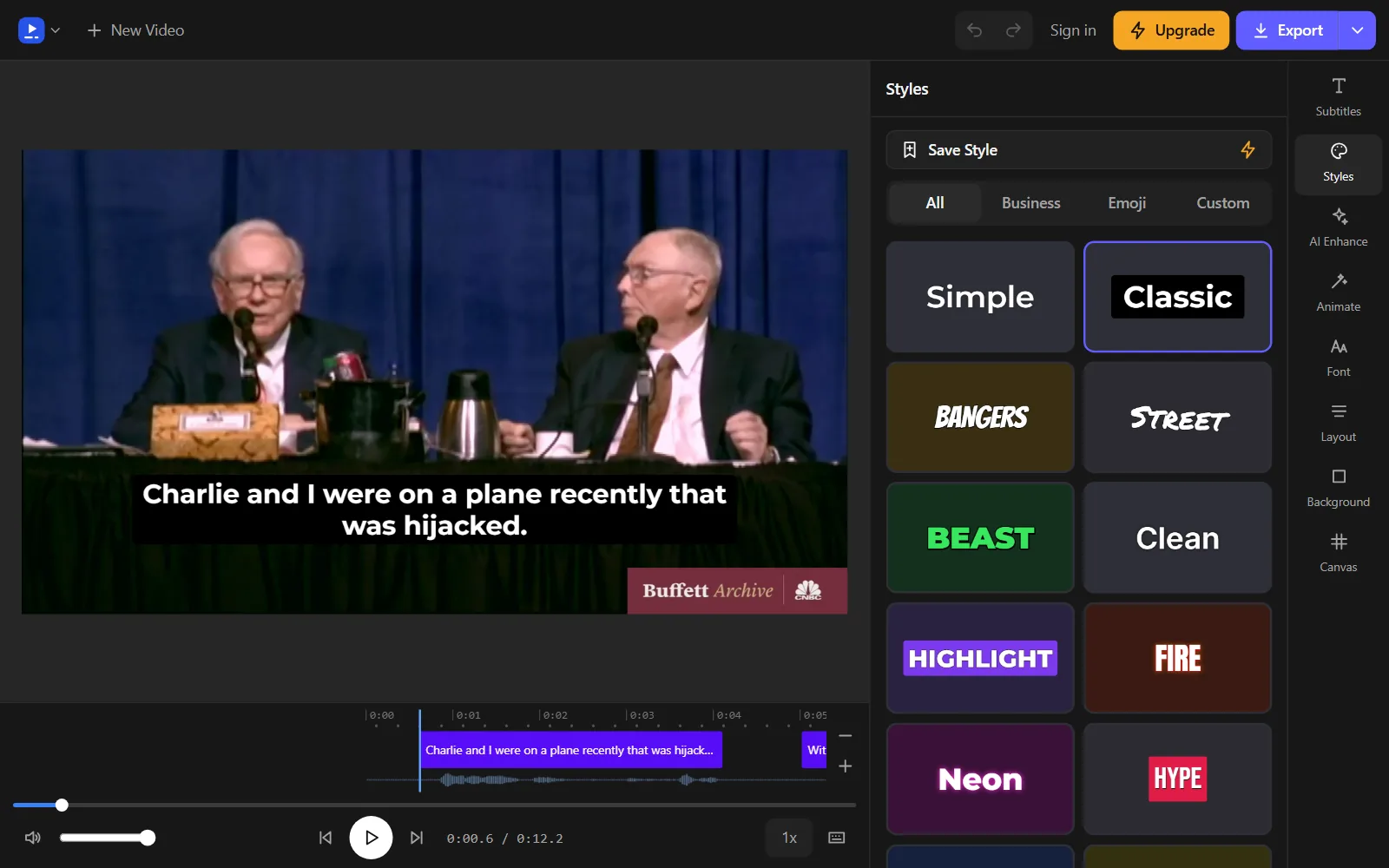
If the video is spoken in another language, translate the captions instead. On paid plans, Translate turns them into over 45 languages, each kept as its own caption track. Our pages on how to translate a video to Arabic and translate a video to Hebrew cover that route.
Common problems with right-to-left captions
Arabic and Hebrew run from right to left, but the English words, brand names and numbers inside them still run from left to right. The W3C's Arabic layout notes point out that numbers are written left to right even in Arabic. Most caption trouble with these languages comes from that mix, and it shows up in four ways.
- Punctuation at the wrong end. The full stop or question mark that should close a sentence on its left side appears on the right, next to the first word.
- Mixed English and numbers out of order. In a line that mixes scripts, an English phrase, a number and the punctuation around them can trade places, so the line no longer reads in the order it was written.
- Letters that do not join. Arabic is cursive: letters connect to their neighbours and change shape with their place in the word. When the text is not shaped, each letter stands alone and the word is hard to read. Hebrew is spared this one, since the W3C's Hebrew layout notes say its letters are not joined.
- Fonts that fall back. If the caption font has no Arabic or Hebrew letters, the software borrows them from another font, so one caption mixes two type styles and loses the look you picked.
Why it happens
Computers store text in logical order, the order in which it is typed and read. The Unicode Bidirectional Algorithm, published as Unicode Standard Annex #9 (UAX #9), then works out the order in which the characters appear on screen. The W3C asks for logical order everywhere and warns against typing right-to-left text backwards so that it looks right, since every later edit then has to be fixed by hand.
Strong, weak and neutral characters
The algorithm gives every character a type. Latin letters are strong left-to-right characters, Hebrew and Arabic letters are strong right-to-left characters, and digits are weak. Spaces, and punctuation marks outside of numbers, behave as neutral. Characters of the same direction form a run, and a number between two Arabic words stays inside the Arabic run while its own digits still read left to right.
The base direction decides where punctuation lands
Each paragraph of text has a base direction. A neutral character between two letters of the same direction takes their direction, but one between opposite directions, or at the very end of the line, takes the base direction. So when a player lays out a Hebrew line as left-to-right text, the closing full stop joins the left-to-right flow and lands on the wrong side.
By default, the algorithm takes the base direction from the first strong character in the paragraph. If that is a Hebrew or Arabic letter, the line runs right to left. If the line opens with an English brand name, it runs left to right, and the rest of the line is laid out in the wrong order. MDN gives the same warning about the dir attribute's auto value: an Arabic comment that starts with an English name ends up left to right. UAX #9 also lets a higher-level protocol set the direction instead, which is what the dir attribute does on a web page.
Fonts without the script
A font holds letters for some scripts and not others. MDN explains that browsers choose fonts one character at a time, so when the chosen font lacks Arabic or Hebrew letters, those characters come from the next font in the list, and in the end from a generic system font. Arabic also needs a font with the joined forms of each letter, which the W3C's Arabic layout notes list as isolated, initial, medial and final.
How Vid Hub keeps right-to-left captions in order
Vid Hub's caption editor applies the Unicode bidirectional algorithm when it draws a caption. Hebrew and Arabic captions run right to left, and in a line that mixes them with English words or numbers, each part keeps its own reading order.
- Direction follows the words. A caption's direction comes from the script of most of its words, so a Hebrew line that opens with an English brand name still runs right to left.
- A font made for the script. Every one of the 28 styles draws Hebrew and Arabic letters in a font made for those scripts, so they do not fall back to a plain system font.
- Joined Arabic. Arabic letters are drawn joined.
- Fixed in the picture. The export is an MP4 with the captions burned in, so the order and the letters you see in the editor are what every viewer sees, whatever player they use.
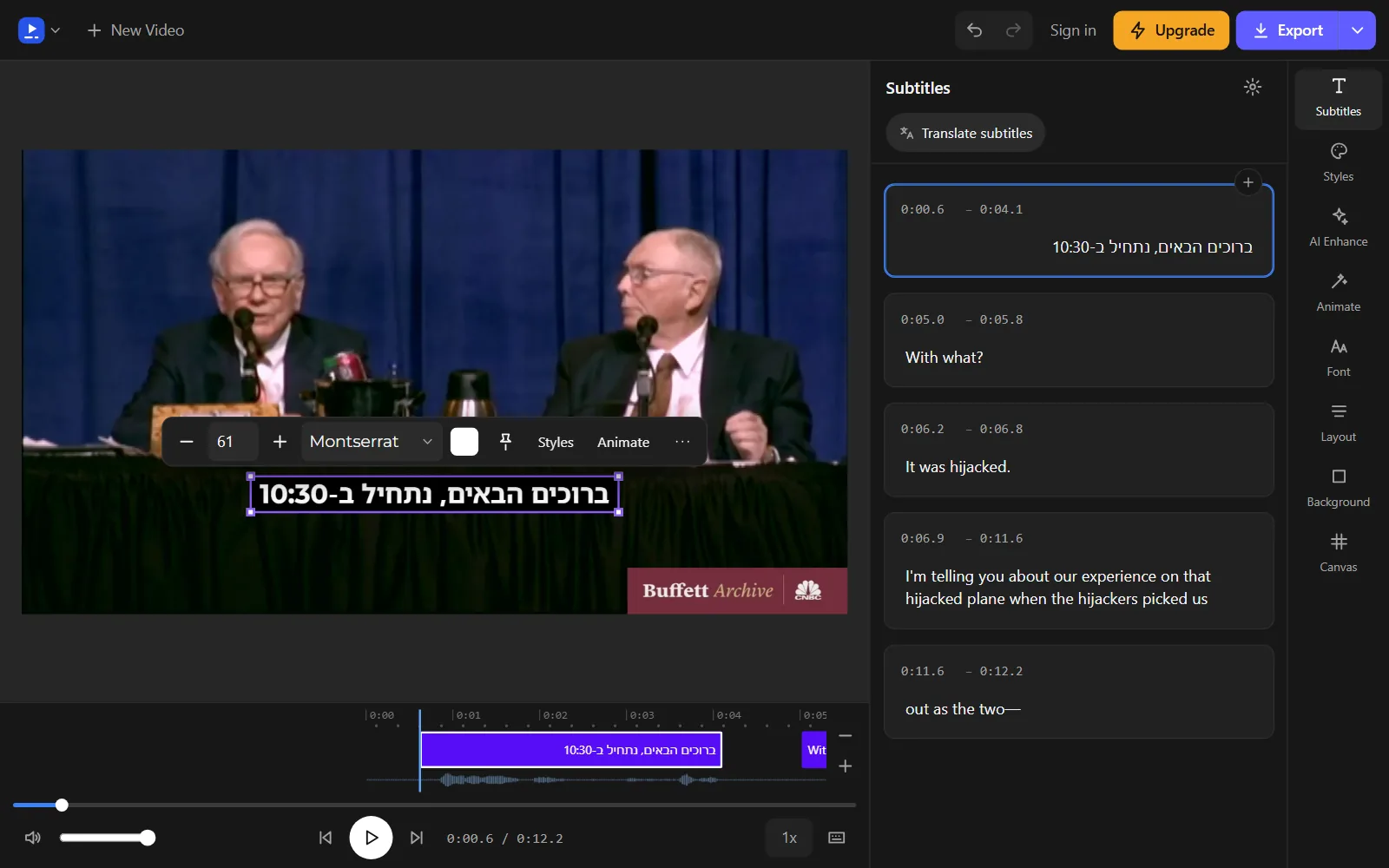
One thing to watch: because direction follows most of the words, a caption that is mostly English with one Hebrew or Arabic word runs left to right. If that is not what you want, rephrase the caption or split it in two.
Paid plans can also download the captions as .srt, .vtt or .txt files from the arrow beside Export on a computer, or from the "..." button on a phone. A caption file leaves the layout to each player, so test it with the checks at the end of this article.
Fix an Arabic or Hebrew SRT file you already have
An SRT file is plain text: a number, a timing line and the words of each subtitle, with nothing that sets a direction. On a web page the dir attribute would carry the base direction, but in a caption file the direction has to travel inside the text. The W3C notes that its advice on Unicode direction controls applies to plain-text formats such as WebVTT.
Use the RTL fixer
The free RTL fixer is built for Arabic and Hebrew subtitle files where full stops, numbers or English words show at the wrong end. It reads the file in your browser. Add the file, apply the fix, save the result, and play it with your video to confirm that the lines read correctly.
Add direction marks by hand
UAX #9 defines invisible marks that count as strong characters but are not displayed. The right-to-left mark (RLM, U+200F) does most of the work, and Arabic text can also use the Arabic letter mark (ALM, U+061C).
- Keep a copy of the original file, because the marks are invisible and hard to find again.
- Open the file in a text editor that saves UTF-8.
- Put an RLM at the start of each Hebrew or Arabic line that begins with an English word. The mark becomes the line's first strong character, so a player that follows the default rule lays the line out right to left.
- Put an RLM straight after a full stop, question mark or exclamation mark that ends a Hebrew or Arabic line. The W3C shows this fix for an exclamation mark that lands on the wrong side.
- To keep an English phrase together inside a right-to-left line, wrap it between a left-to-right isolate (LRI, U+2066) and a pop directional isolate (PDI, U+2069). The W3C recommends isolate pairs like this one for embedded phrases.
- In a VTT file, you can type ‏ and ‎ in place of the invisible characters, since MDN lists both among the WebVTT escapes. In an SRT file, insert the character itself.
- Save the file as UTF-8 and play it with the video.
If the letters themselves are garbled
Question marks, boxes or strings of accented Latin letters where Arabic or Hebrew should be point to an encoding problem, not a direction problem. SRT has no fixed character encoding, so a player can guess wrong. Save the file as UTF-8, the encoding WebVTT requires. If the words of every line read backwards in every player, the file was stored in visual order, and the text needs replacing from a copy in logical order.
Check the captions before you publish
Direction bugs hide in a few kinds of line, so test those first. Watch the video at full screen and on a phone, in the player your viewers will use, and look closely at these lines.
- Lines that end in a full stop, question mark or exclamation mark: the mark should sit at the left end.
- Lines that start with an English word or a brand name: the line should still read from the right.
- Lines with numbers, such as prices, dates, times and percentages: the digits should read left to right and sit beside the words they belong to.
- Lines with brackets: each bracket should face the words it encloses. The W3C notes that brackets are mirrored in right-to-left text with no extra markup.
- Arabic words: every letter that should join is joined, with no gaps. The W3C notes that fonts join Arabic letters by overlapping them, so check outlined styles and see-through boxes for visible seams.
- Fonts: every letter in one type style, with no plain fallback letters mixed in.
Last, ask a native reader to watch the whole video. A direction check confirms the order of the characters, but only a reader can tell you whether a line sounds natural and breaks in the right place.
Frequently asked questions
Why is the full stop on the wrong side in my Hebrew subtitles?
The player is treating the line as left-to-right text, so the closing full stop follows that direction. Do not move the full stop to the start of the line to compensate: the W3C advises against storing text in visual order, and the line then breaks in any player that gets the direction right.
Should Arabic captions use Arabic-Indic or Western digits?
The W3C's Arabic layout notes describe three sets in use: European digits, Arabic-Indic digits, which are linked to Eastern Arab countries, and Eastern Arabic-Indic digits, used in Iran and Afghanistan. All of them are written left to right, so pick the set your audience reads and keep it the same through the whole video.
Can I use my own Arabic or Hebrew font in Vid Hub?
Yes, on a paid plan. Upload a .ttf, .otf, .woff or .woff2 file in the Font panel; when the font has Arabic or Hebrew letters, the editor draws those words with it. Paid plans also save the whole look, with its colours, outline and background box, as your own style.
What does the dir attribute do?
On a web page, dir sets an element's base direction to ltr, rtl or auto, where auto takes the direction from the first strong character. MDN notes that setting the lang attribute to Arabic or Hebrew does not change the direction by itself. It also recommends dir over the CSS direction property, because direction belongs to the content, not the styling.
Will direction marks show up on screen?
They should not: UAX #9 describes them as zero-width characters that change the order of text but are not displayed. If a player draws them anyway, as boxes or odd symbols, remove them from that file and test the player again.
Why do my Hebrew captions look right in one app and wrong in another?
A separate caption file is laid out by each player, and UAX #9 lets software set the base direction its own way, so two players can disagree about the same line. Burned-in captions avoid this, because the text is already part of the picture.
Try it on your own video
Open the editor, add your video, and get captions you can edit, style and export.
Upload your videoNo account needed to start.
Sources
We read each page below on the date shown. Rules, prices and plans change, so check the page itself before you rely on it. A source we cite does not endorse Vid Hub.
- Unicode: UAX #9, Unicode Bidirectional AlgorithmRead 2026-11-07.
- W3C Internationalization: Unicode Bidirectional Algorithm basicsRead 2026-11-07.
- W3C Internationalization: Inline markup and bidirectional text in HTMLRead 2026-11-07.
- W3C Internationalization: How to use Unicode controls for bidi textRead 2026-11-07.
- W3C Internationalization: Visual vs. logical ordering of textRead 2026-11-07.
- W3C Internationalization: Structural markup and right-to-left text in HTMLRead 2026-11-07.
- W3C: Arabic & Persian Layout RequirementsRead 2026-11-07.
- W3C: Hebrew Layout Requirements (Editor's Draft)Read 2026-11-07.
- MDN: dir HTML global attributeRead 2026-11-07.
- MDN: font-family CSS propertyRead 2026-11-07.
- MDN: Web Video Text Tracks Format (WebVTT)Read 2026-11-07.
- Library of Congress: SubRip Subtitle format (SRT)Read 2026-11-07.