
The Vid Hub blog
Plain guides to captions, subtitle files and translating a video.

How to add subtitles to a video
Add subtitles to a video step by step: burned in or as a separate file, automatic captions you correct, SRT by hand, readable styling and common fixes.
Read the articleMore articles

How to add captions to a TikTok video
Burn styled captions into a TikTok with Vid Hub, keep them clear of TikTok's buttons and post text, and see what TikTok's ads help says about auto captions.

How to add subtitles to an Instagram Reel
Turn on Instagram's closed captions for a Reel, or burn styled subtitles in with Vid Hub at 9:16 (4:5 on a computer) and keep them clear of Instagram's text.

How to add Arabic and Hebrew captions that read right to left
Add Arabic or Hebrew captions that read right to left. Fix punctuation and English words at the wrong end, keep Arabic letters joined, and check before posting.

How to add subtitles in iMovie on a Mac, iPhone or iPad
Add subtitles in iMovie as titles you type and time by hand on a Mac, iPhone or iPad, then style and export them, and see what to do with a caption file.

How to add subtitles in DaVinci Resolve
Add subtitles in DaVinci Resolve: make a subtitle track, type captions or import an SRT, style them in the Inspector, and export them burned in or as a file.

How to add captions in Adobe Premiere Pro
Add captions in Premiere Pro: transcribe with Speech to Text, create a caption track, fix text and timing, style it, import an SRT and export.

How to add auto captions in CapCut
Where Auto Captions sits in CapCut on phone, desktop and web, how to fix and style the captions, what CapCut says about free use, and how to export.

What is a VTT file, and how do you use one?
A VTT file is a WebVTT caption file for web video. See what is inside one, how to make, edit and convert it, and how it differs from SRT.

SDH subtitles: what they are and how to write them
SDH subtitles add speaker names, sound effects and music cues for deaf and hard of hearing viewers. See how they differ from captions and how to write them.

Best tools to translate video subtitles in 2026
Nine tools that translate video subtitles, compared on what each is for, how it prices, the original audio, SRT export and burned-in MP4. Dated sources.
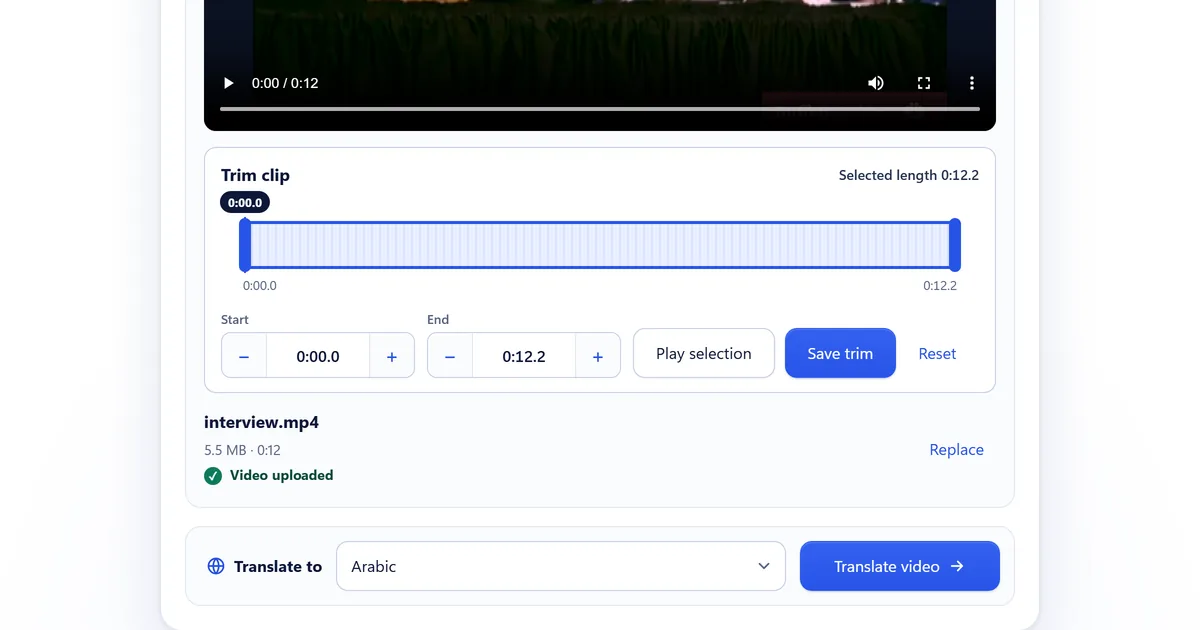
How to translate an English video into Arabic subtitles
Translate an English video into Arabic subtitles step by step: right-to-left lines, Modern Standard Arabic, names and numbers, and what to check before posting.
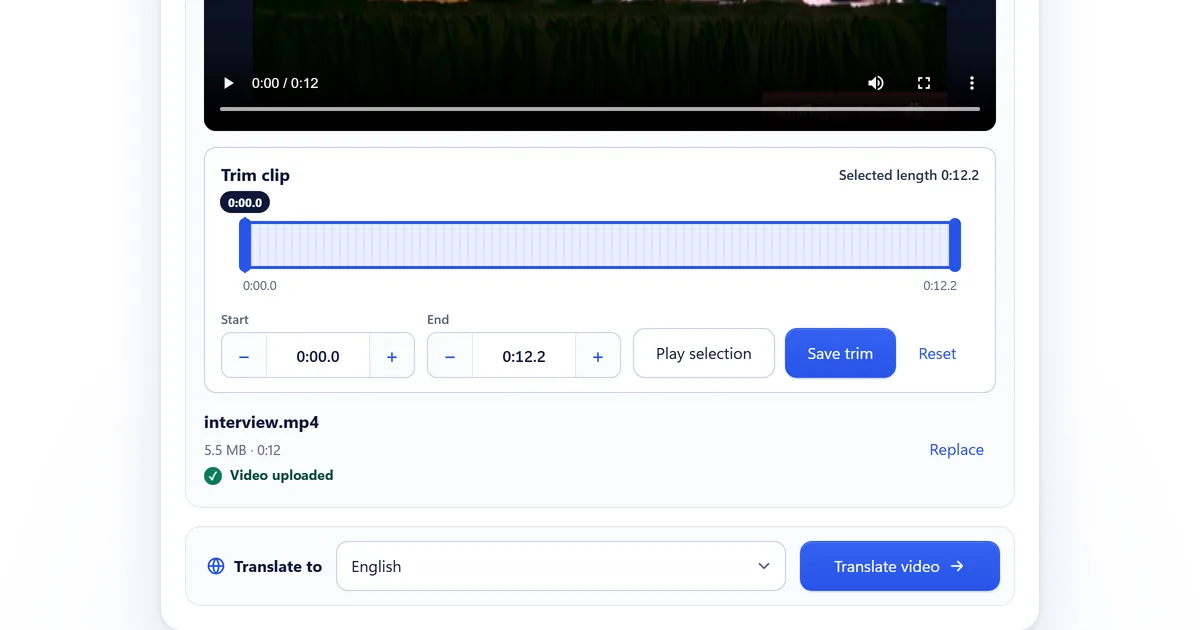
How to add English subtitles to a video in another language
Put English subtitles on a video in Spanish, Japanese, Hindi or another language: upload it, choose English, check the preview, then download the MP4 and SRT.
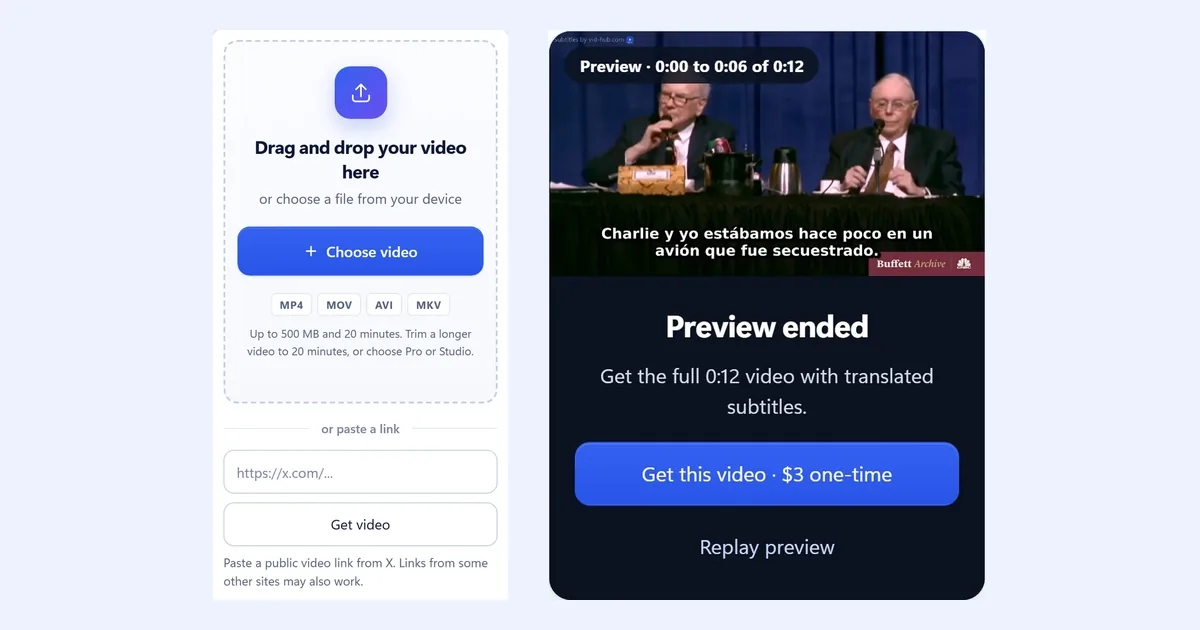
How to translate a TikTok or Instagram Reel without dubbing
Add translated subtitles to a TikTok or Instagram Reel and keep your own voice: burned-in lines that survive reposts, short lines, and a phone check first.

Subtitles or dubbing: which should you use for a translated video?
Subtitles keep the speaker's voice; dubbing lets viewers listen instead of read. When each fits, what a finished minute of each costs, and HeyGen's own view.
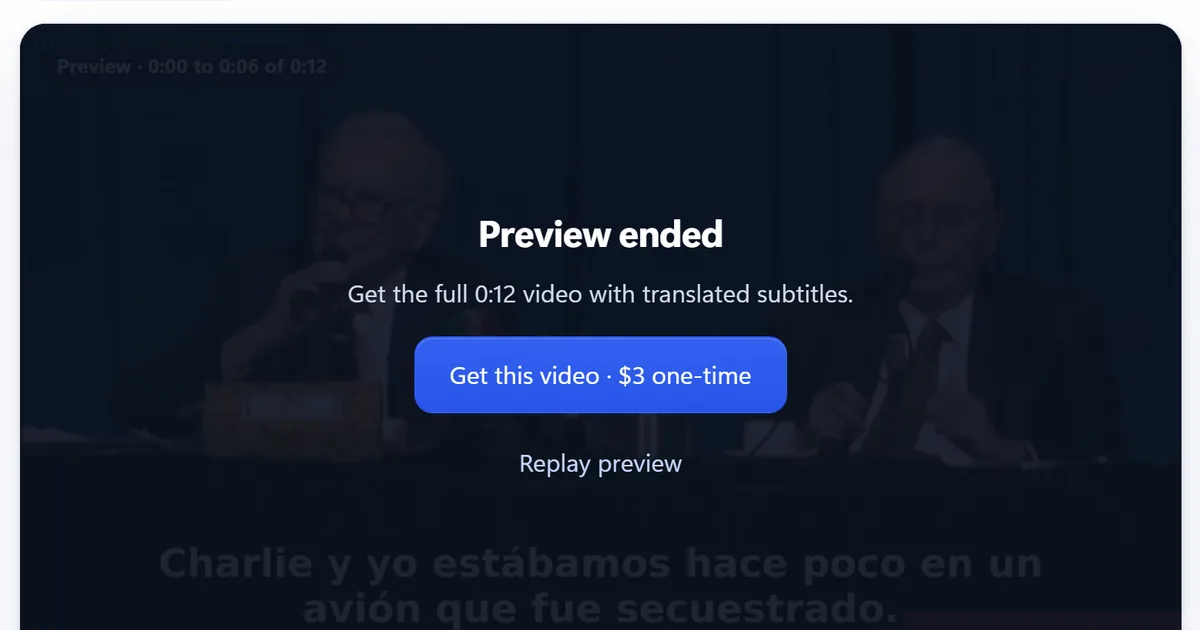
How much does it cost to translate a video in 2026?
Video translation prices per finished minute in 2026: subtitle tools, AI dubbing plans and APIs, and human subtitles, with each vendor's page and date read.
Caption your own video
Upload your videoNo account needed to start.