
TikTok video translator
Bring a TikTok video into the editor from its link on a paid plan, or upload the video file free and with no account. The editor writes captions from the speech, and a paid plan translates them. The audio stays as it is.
Clip: CNBC Warren Buffett Archive, captioned in the editor. The Hebrew words are our own translation. No endorsement is implied.
How do I translate a TikTok video?
On a paid plan, paste the link of the video in the box above and press Get the video: the editor opens New Video with the link in its box and fetches the video. TikTok links need a paid plan; free accounts bring links from X. The free way is to save the video to your device and upload the file, with no account. The editor writes captions from the speech for free, for up to 10 minutes of each video, and a free export is 480p with a vid-hub.com mark. Translating the captions needs a paid plan.
Why creators use Vid Hub
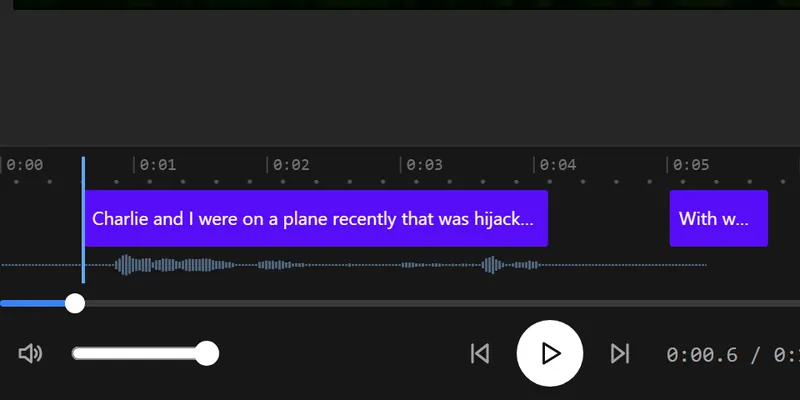
Every caption under your control
Fix any word, split or merge a caption, and move its start and end. Changes show on the video as you type.
Your video stays with you
The editor works in your browser. Only the sound is sent, for speech recognition, and our server deletes it when that request ends.
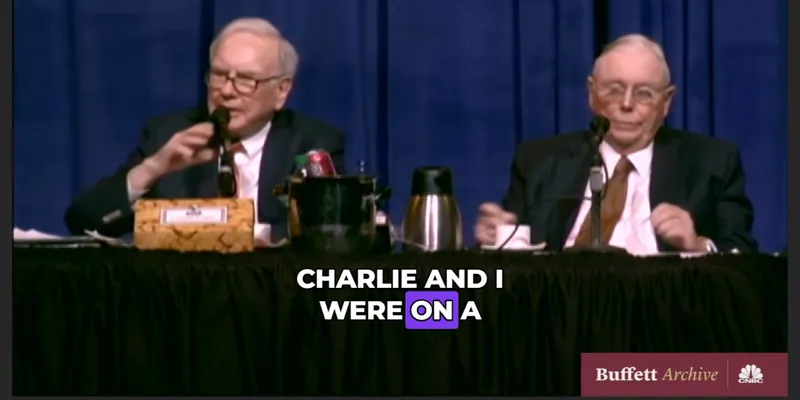
Captions that move
Pick one of 28 styles or one of 14 animations, such as Pop, Wave or word-by-word Karaoke, and every caption follows it.
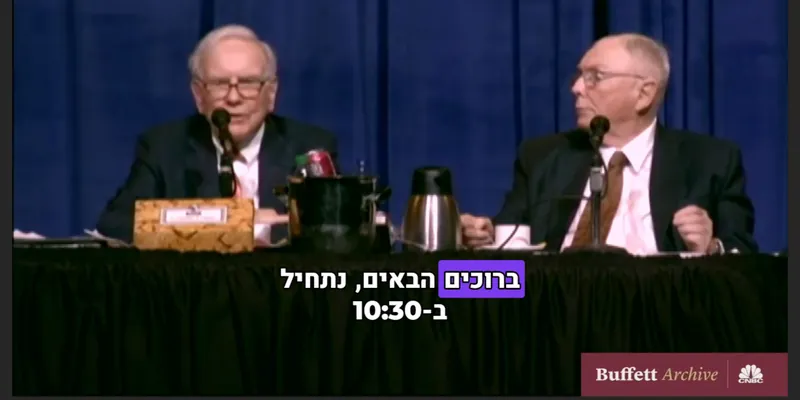
Arabic and Hebrew read right
Right-to-left lines keep their order in the preview and in the export, and the word animations start from the right.
Translate on a paid plan
Paid plans translate the captions into other languages, each kept as its own caption track, and save .srt, .vtt and .txt files.
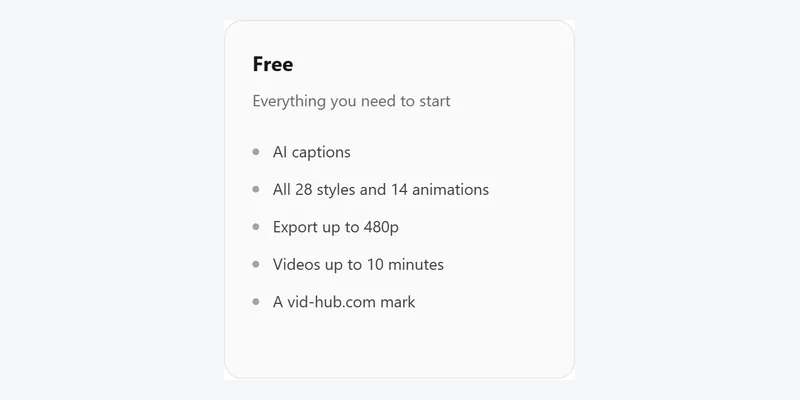
Free to start
No account and no card. Videos up to 10 minutes export free at 480p with a vid-hub.com mark.
Pictures that show a video use the editor's demo clip, an excerpt from the CNBC Warren Buffett Archive. No endorsement is implied.
Features
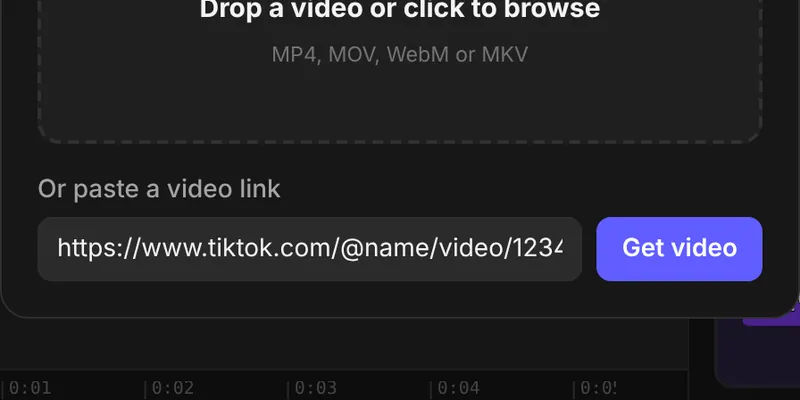
From a link, on a paid plan
Paste the address of a TikTok video and the editor fetches it, up to one hour long.
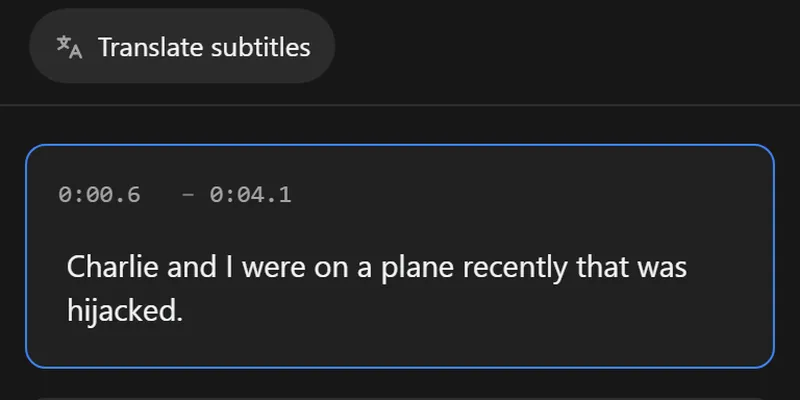
Captions from the speech
The editor writes timed captions from what is said. Fix a name or a number before you translate.
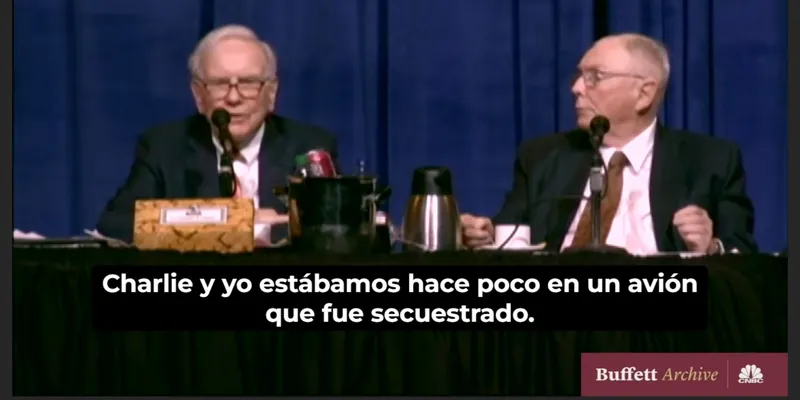
Translated on a paid plan
Translate subtitles turns the captions into another language as its own track, so you check each line.
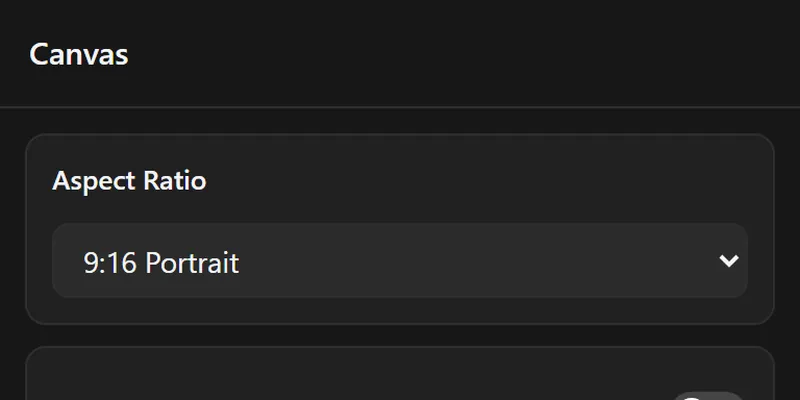
The 9:16 shape
Set the canvas to 9:16 Portrait so the translated captions sit where a phone shows them.
Pictures that show a video use the editor's demo clip, an excerpt from the CNBC Warren Buffett Archive. No endorsement is implied.
Made for short clips in another language
Creators who post on TikTok
Reach viewers who read another language with captions in theirs.
Language learners
Read a clip in your own language beside what the speaker says.
Small brands
Post one product clip for two markets with translated captions.
How it works
- Step 1
Bring the video
Paste the TikTok link on a paid plan, or upload the video file from your device.
- Step 2
Get the captions
The editor writes captions from the speech. Check names and numbers.
- Step 3
Translate
On a paid plan, open Translate subtitles in the Subtitles panel and choose the language.
- Step 4
Export
Save an MP4 with the translated captions in the picture.
Free and paid
| Feature | Free | Paid plans |
|---|---|---|
| Edit the words and times | ||
| 28 styles and 14 animations | ||
| Captions written from the speech | Up to 10 minutes a video | Up to 20 minutes a video |
| Export length | Up to 10 minutes | The whole video |
| Export quality | 480p | 720p on Creator, 1080p on Pro and Studio |
| Watermark | A vid-hub.com mark | A small mark on Creator, none on Pro and Studio |
| .srt, .vtt and .txt files | ||
| Caption translation | ||
| Saved styles | ||
| Links from TikTok, Vimeo and more | X links, signed in |
Frequently asked questions
How do I translate a TikTok video?
On a paid plan, paste the link of the video in the box at the top of this page and press Get the video. On a free account, save the video and press Upload your video. Either way the editor writes captions from the speech, and Translate subtitles turns them into another language on a paid plan.
Is it free?
Uploading the video file is free and needs no account; a TikTok link needs a paid plan. The editor writes captions from the speech for free, for up to 10 minutes of each video, and a free export is 480p with a vid-hub.com mark. Translating the captions needs a paid plan.
How long can the video be?
A video from a link can be up to one hour long. Free captions cover up to 10 minutes of each video; paid plans caption up to 20 minutes.
Why burn translated captions into a TikTok video?
Captions burned into the video are part of the picture. They stay when the clip is saved, reposted or shared to another app.
Can I translate a video that is not mine?
Use videos that you own or have permission to use. A video being public does not give you the right to copy or republish it, so ask the person who made it first.
Does the translation keep the original voice?
Yes. The editor adds translated captions and leaves the audio as it is, so viewers hear the speaker and read the words.