
SRT generator
The editor writes timed subtitles from the speech in your video. A paid plan saves them as an .srt, .vtt or .txt file.
Clip: CNBC Warren Buffett Archive, captioned in the editor. The Hebrew words are our own translation. No endorsement is implied.
A subtitle file made from the speech
The SRT generator writes subtitles from the speech in your video and saves them as a file with times. Writing and checking the subtitles is free; saving the .srt, .vtt or .txt file needs a paid plan.
Why creators use Vid Hub
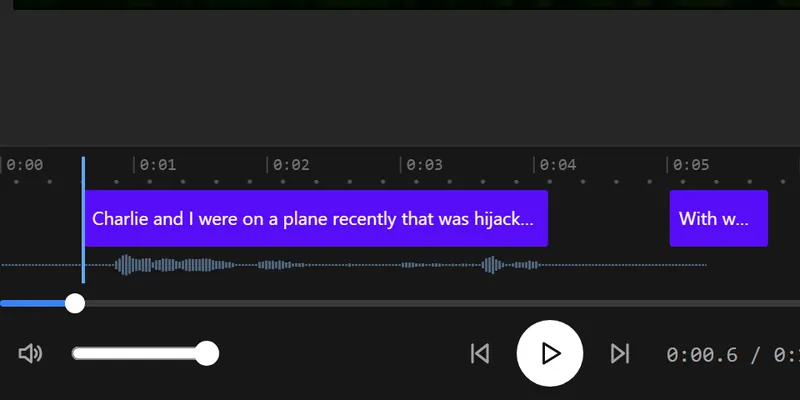
Every caption under your control
Fix any word, split or merge a caption, and move its start and end. Changes show on the video as you type.
Your video stays with you
The editor works in your browser. Only the sound is sent, for speech recognition, and our server deletes it when that request ends.
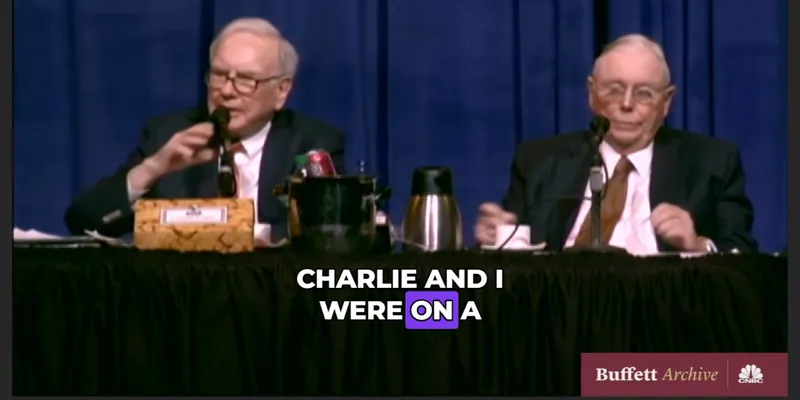
Captions that move
Pick one of 28 styles or one of 14 animations, such as Pop, Wave or word-by-word Karaoke, and every caption follows it.
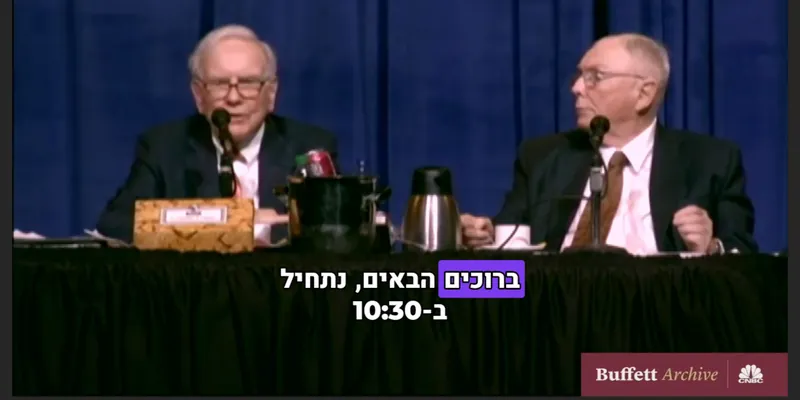
Arabic and Hebrew read right
Right-to-left lines keep their order in the preview and in the export, and the word animations start from the right.
Translate on a paid plan
Paid plans translate the captions into other languages, each kept as its own caption track, and save .srt, .vtt and .txt files.
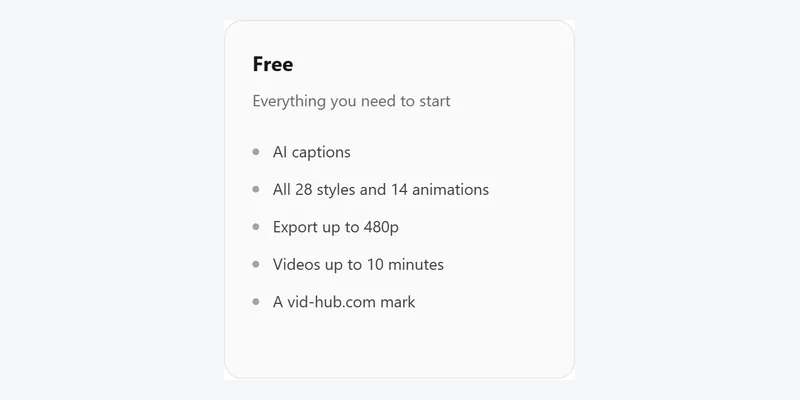
Free to start
No account and no card. Videos up to 10 minutes export free at 480p with a vid-hub.com mark.
Pictures that show a video use the editor's demo clip, an excerpt from the CNBC Warren Buffett Archive. No endorsement is implied.
Features
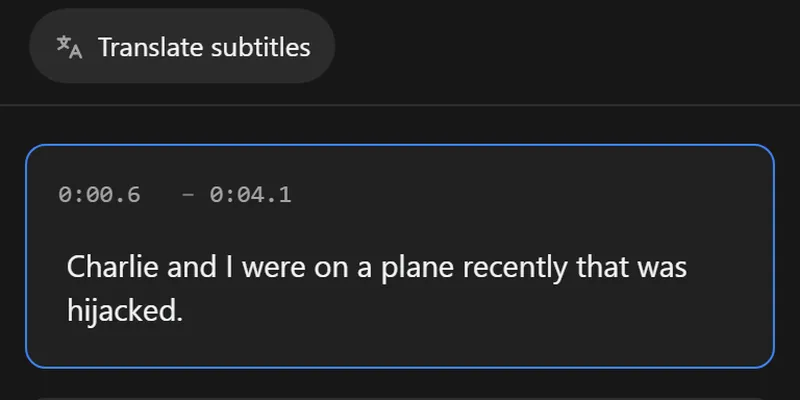
Times that follow the speech
Each subtitle has a start and an end taken from the sound, and you can change either one.
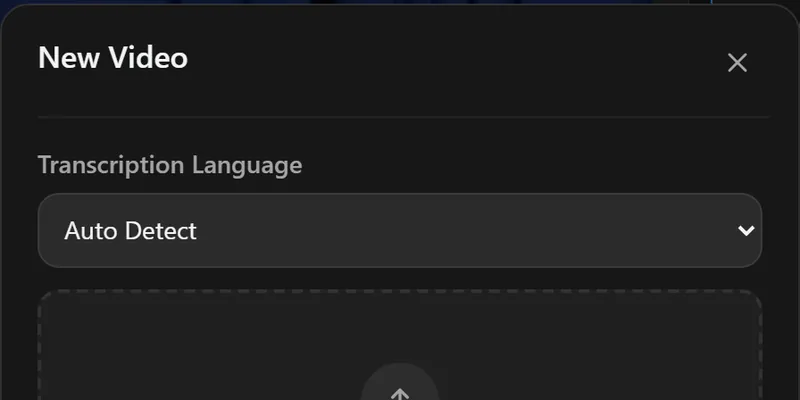
The right language from the start
Choose the spoken language, or Auto Detect, before the editor writes the subtitles.
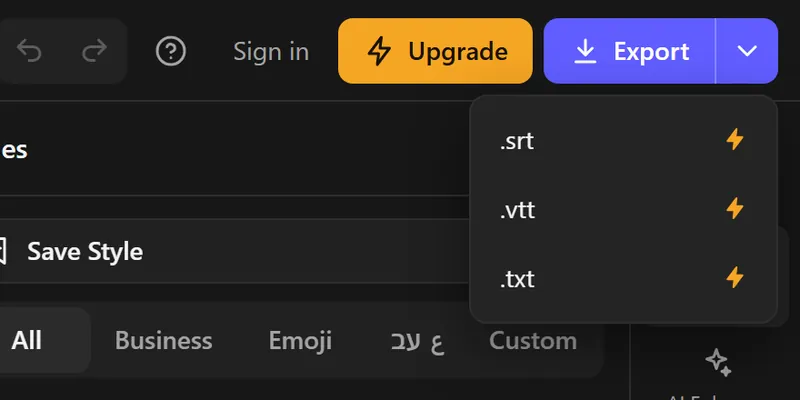
.srt, .vtt and .txt
The arrow beside Export (on a phone, the dots button) saves SubRip for players and editors, WebVTT for web pages, and plain text to read.
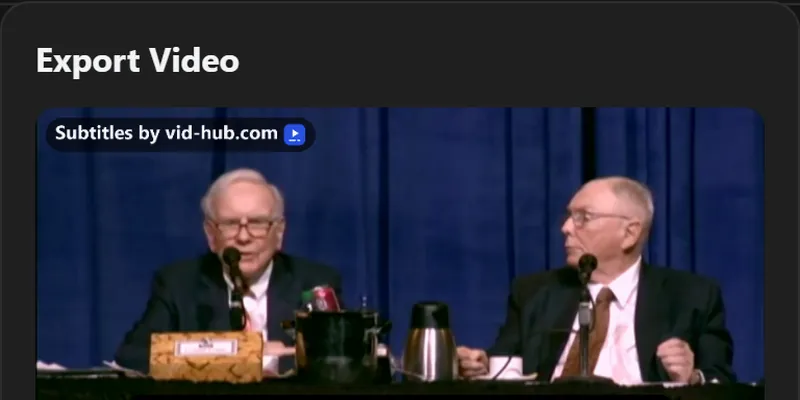
The video as well
The same subtitles can be burned into an MP4, for the sites that take no subtitle file.
Pictures that show a video use the editor's demo clip, an excerpt from the CNBC Warren Buffett Archive. No endorsement is implied.
Made for uploads, courses and archives
Video publishers
Upload the .srt beside your video on a site that shows subtitles itself, so viewers can turn them on or off.
Course makers
A course platform takes a subtitle file for each lesson. Make it from the lesson's own sound.
Writers and researchers
The .txt file is the words alone, ready to quote, search or turn into notes.
How it works
- Step 1
Upload your video
Drop a video file into the editor. The file stays in your browser.
- Step 2
Get the subtitles
Pick the spoken language or Auto Detect, and the editor writes timed subtitles from the speech.
- Step 3
Check the words and times
Fix names and numbers in the Subtitles panel, and correct a start or an end that is off.
- Step 4
Save the file
Open the arrow beside Export (on a phone, the dots button) and choose .srt, .vtt or .txt. This step needs a paid plan.
Which caption feature do I use?
| Feature | Best for | You add | You get | Free or plan |
|---|---|---|---|---|
| Auto caption generator | Captions written from the speech | A video file | Timed captions you can edit | Free for videos up to 10 minutes; plans caption up to 20 minutes |
| Animated captions | Captions that move with the speech | A video file | Word-by-word Karaoke and Highlight, or lines that pop and slide | Free for videos up to 10 minutes, at 480p with a vid-hub.com mark |
| Add subtitles to a video | Subtitles any player shows | A video file | An MP4 with the subtitles burned in | Free at 480p with a vid-hub.com mark; 720p or 1080p on a plan |
| SRT generator | A subtitle file to upload beside the video | A video file | An .srt, .vtt or .txt file | The file needs a plan |
| Subtitle translator | Subtitles in another language | A video file | A translated track you can check line by line | A plan |
Free and paid
| Feature | Free | Paid plans |
|---|---|---|
| Edit the words and times | ||
| 28 styles and 14 animations | ||
| Captions written from the speech | Up to 10 minutes a video | Up to 20 minutes a video |
| Export length | Up to 10 minutes | The whole video |
| Export quality | 480p | 720p on Creator, 1080p on Pro and Studio |
| Watermark | A vid-hub.com mark | A small mark on Creator, none on Pro and Studio |
| .srt, .vtt and .txt files | ||
| Caption translation | ||
| Saved styles | ||
| Links from TikTok, Vimeo and more | X links, signed in |
Frequently asked questions
How do I make an SRT file from a video?
Open the editor and upload the video. The editor writes timed subtitles from the speech. Check them, then open the arrow beside Export and choose .srt. Saving the file needs a paid plan.
Is the SRT generator free?
Writing, checking and styling the subtitles is free, with no account, for up to 10 minutes of each video. Saving them as an .srt, .vtt or .txt file needs a paid plan, which also writes subtitles for up to 20 minutes of a video.
What is the difference between .srt, .vtt and .txt?
An .srt file is numbered subtitles with times, and most players, editors and upload pages take it. A .vtt file is the web form of the same thing, used by the video player of a web page. A .txt file is the words with no times.
Can I change an SRT file I already have?
Yes, with the free tools. The subtitle editor fixes words and times, the subtitle shifter moves every time, and the subtitle converter changes the format. They work in your browser and need no account.
Can I get the SRT in another language?
Yes, on a paid plan. Translate the subtitles and keep the translated track on the screen, then save the file. The file holds the track that is showing.