
Caption fonts
Set the font of your captions to match your video or your brand, in English, Arabic, Hebrew and more.
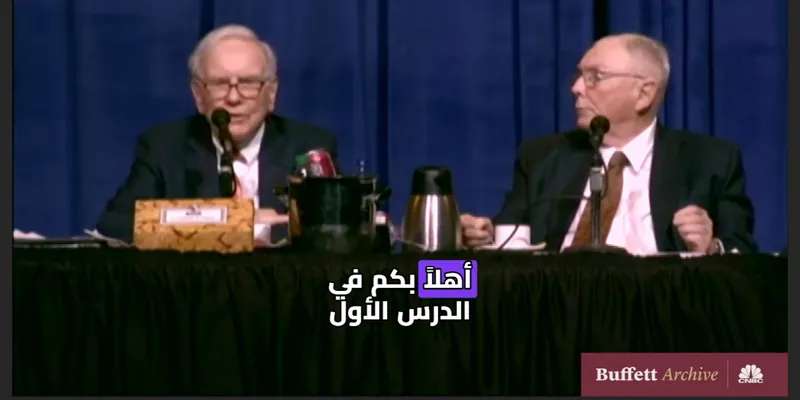
Clip: CNBC Warren Buffett Archive, captioned in the editor. The Hebrew words are our own translation. No endorsement is implied.
The right font for every caption
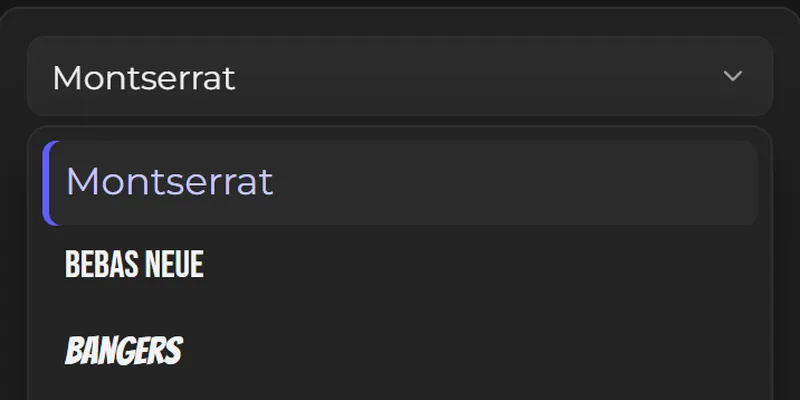
The Font panel lists over 50 fonts, with marks for the ones that also draw Arabic or Hebrew. Pick one, then set its size, colour, outline and shadow while the video plays.
Why creators use Vid Hub
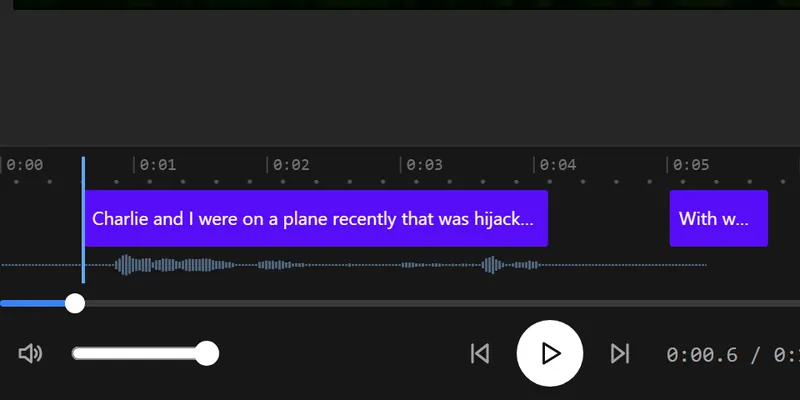
Every caption under your control
Fix any word, split or merge a caption, and move its start and end. Changes show on the video as you type.
Your video stays with you
The editor works in your browser. Only the sound is sent, for speech recognition, and our server deletes it when that request ends.
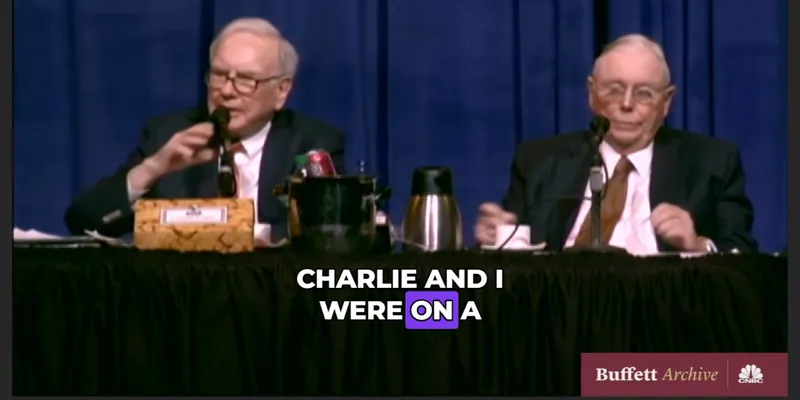
Captions that move
Pick one of 28 styles or one of 14 animations, such as Pop, Wave or word-by-word Karaoke, and every caption follows it.
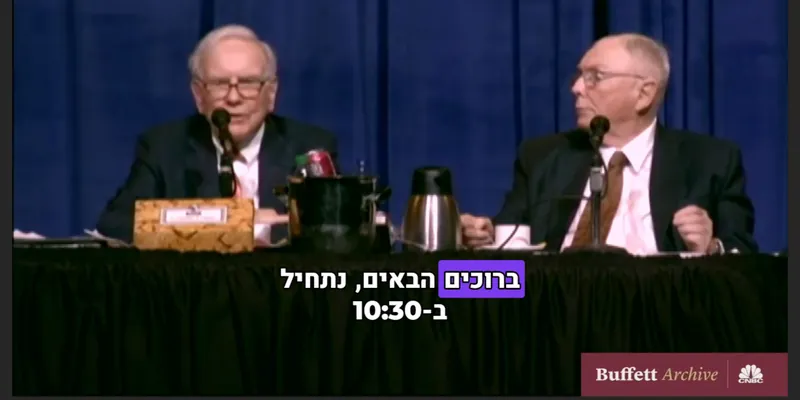
Arabic and Hebrew read right
Right-to-left lines keep their order in the preview and in the export, and the word animations start from the right.
Translate on a paid plan
Paid plans translate the captions into other languages, each kept as its own caption track, and save .srt, .vtt and .txt files.
Free to start
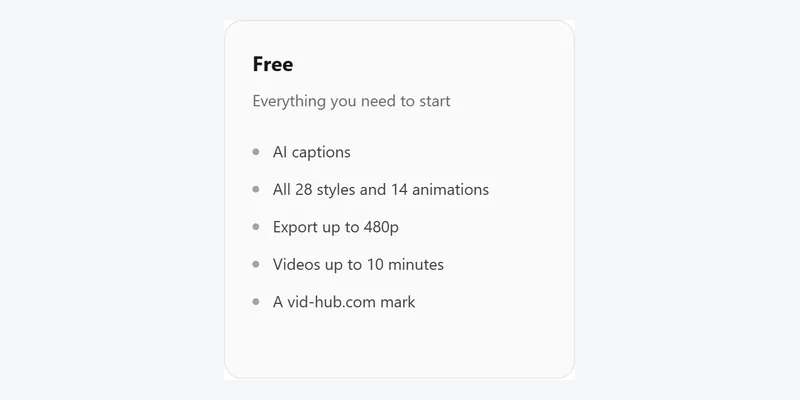
No account and no card. Videos up to 10 minutes export free at 480p with a vid-hub.com mark.
Pictures that show a video use the editor's demo clip, an excerpt from the CNBC Warren Buffett Archive. No endorsement is implied.
Features
Over 50 fonts
Display fonts such as Bebas Neue and Anton, rounded ones such as Fredoka, and calm ones such as Inter, plus a few from your own device. On a paid plan, add your own font files too.
Arabic and Hebrew fonts
Cairo, Tajawal, Heebo, Assistant, Rubik and Noto fonts draw these scripts properly, from right to left.
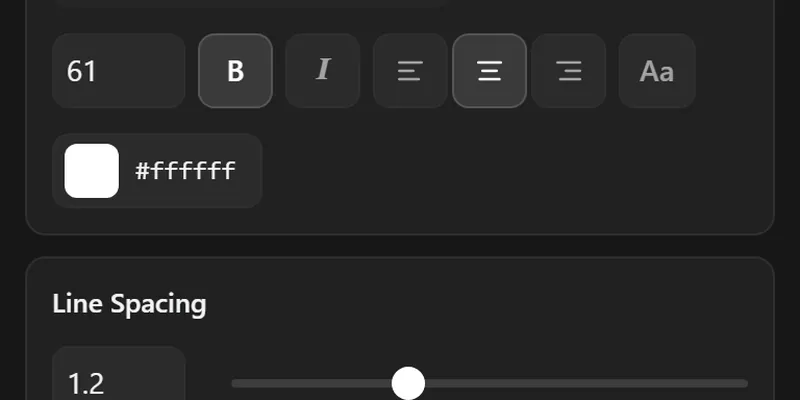
Size, colour and outline
Change the size, bold and italic, the text and outline colours, the shadow, and the box behind the words.
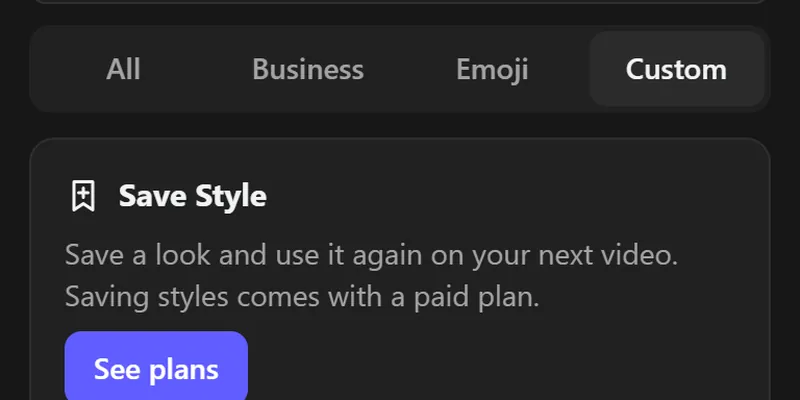
Your look, saved
On a paid plan, Save Style keeps the font, colours, box and animation in this browser, ready for the next video.
Pictures that show a video use the editor's demo clip, an excerpt from the CNBC Warren Buffett Archive. No endorsement is implied.
Made for brands, agencies and creators
Brands
Use your brand's own font file on a paid plan, or one close to it, so every clip looks like yours.
Agencies
Keep one saved look per client and apply it in one click.
Creators in Arabic and Hebrew
Pick a font made for your script, so letters join and lines read the right way. The Styles panel can show every style in Hebrew and Arabic before you choose.
How it works
- Step 1
Upload your video
Drop a video into the editor and let it write the captions from the speech.
- Step 2
Open the Font panel
Open the font list and press a font to apply it to every caption. On a paid plan, Upload adds a font file of your own.
- Step 3
Set the details
Change the size, colours, outline and shadow until the captions read well on your video.
- Step 4
Export or save
Press Export for the MP4. On a paid plan, press Save Style first to keep the look.
Free and paid
| Feature | Free | Paid plans |
|---|---|---|
| Every font in the editor | ||
| Upload your own fonts | ||
| Edit the words and times | ||
| 28 styles and 14 animations | ||
| Captions written from the speech | Up to 10 minutes a video | Up to 20 minutes a video |
| Export length | Up to 10 minutes | The whole video |
| Export quality | 480p | 720p on Creator, 1080p on Pro and Studio |
| Watermark | A vid-hub.com mark | A small mark on Creator, none on Pro and Studio |
| .srt, .vtt and .txt files | ||
| Caption translation | ||
| Saved styles | ||
| Links from TikTok, Vimeo and more | X links, signed in |
Frequently asked questions
Can I upload my own font?
Yes, on a paid plan. Press Upload in the Font panel and choose a .ttf, .otf, .woff or .woff2 file. The font stays in this browser for your next video, and a font with Hebrew or Arabic letters draws those words too. Without a plan, choose from the fonts in the editor, including a few installed on your device, such as Arial and Georgia.
Do my uploaded fonts stay for the next video?
Yes, in the same browser. The font files are kept on your device, not on our server, so they are in the list when you open the editor again; another browser or device needs the file again. Choose a font of yours and press Remove this font to take it out.
Is uploading a font free?
No, uploading fonts comes with a paid plan. Every font in the editor's list is free on every plan.
Which fonts work for Arabic and Hebrew?
Cairo, Tajawal and Noto Sans Arabic draw Arabic. Heebo, Assistant, Open Sans, Fredoka and Noto Sans Hebrew draw Hebrew, and Rubik draws both. The font list marks them.
Can I save a branded caption style?
Yes, on a paid plan. Save Style keeps your font, colours, box and animation in this browser, and the Custom tab in Styles lists it.
Are the fonts free to use?
Yes. Every font in the editor is free, with exports up to 10 minutes long at 480p and a vid-hub.com mark. The fonts we serve have open licences.